Table of Contents (11 sections)
In today's world, having a reliable smart security system for your home is more important than ever. With threats to residential safety constantly evolving, investing in modern technology can significantly enhance your peace of mind. But how do you know which system is right for your specific needs? In this guide, we'll break down the essential considerations and steps to help you choose a smart security system that fits perfectly with your home and lifestyle.
1. Understand the Basics of Smart Security Systems
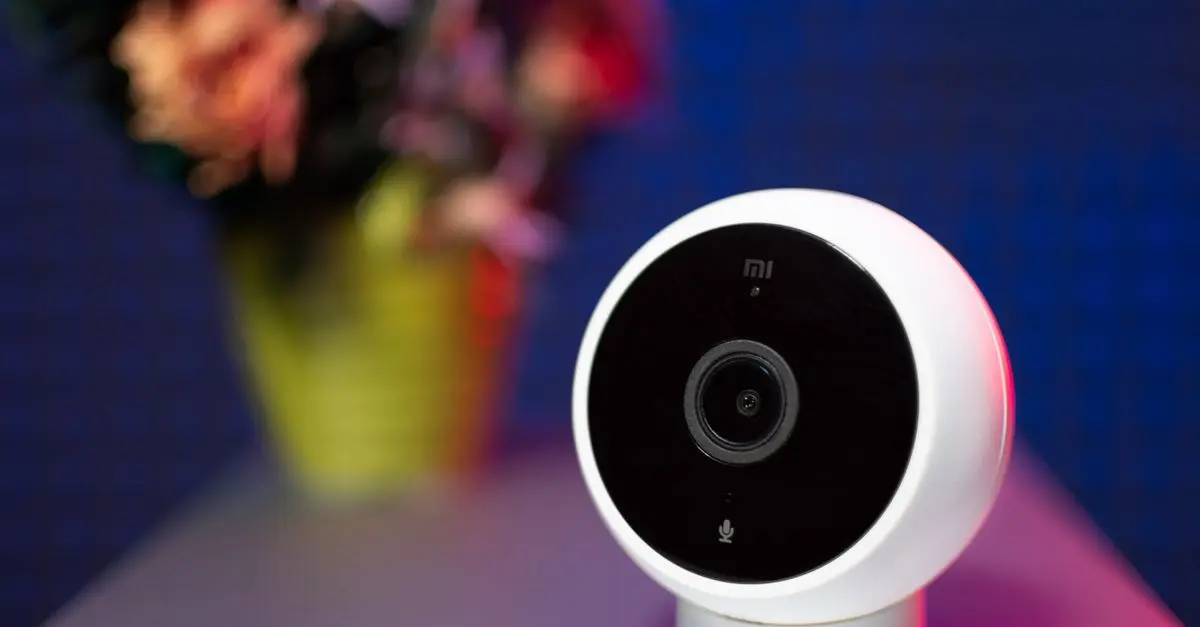
A smart security system integrates various security components, allowing you to monitor and control your home from anywhere, typically through a smartphone application. This system can include smart cameras, door and window sensors, motion detectors, alarms, and even smart doorbells. Modern systems often come with features like voice control, automated alerts, and integration with other smart home devices.
Why consider a smart security system? Statistically, homes with security systems are 300% less likely to be broken into than those without. This significant statistic underscores the effectiveness of these systems. Furthermore, they offer more than just deterrents; they provide homeowners with real-time insights into their home's security status, enabling quick action when needed. Understanding these foundational elements is crucial as you move forward in selecting the right system.
2. Evaluate Your Security Needs
Before diving into specific products, assess your home's layout and security needs. Consider the following:
- Size of your home: Larger homes may require more cameras and sensors to cover all areas effectively.
- Number of entry points: Take note of all doors and windows that need monitoring, especially those less visible from the street.
- Neighborhood safety: Research crime statistics in your area to determine the level of security required.
Gathering this information will help you define the scope of your security system. For example, if your home is in a high-crime area, investing in a comprehensive system with outdoor cameras and motion sensors becomes highly beneficial. Conversely, if safety concerns are minimal, a basic entry-point monitoring system might suffice.
3. Research Different Features
Now that you understand your needs, explore the features available in smart security systems. Here are some essential features to consider:
- Video surveillance: Many systems offer high-definition video recording, night vision, and cloud storage for footage.
- Mobile app integration: Ensure the system has a user-friendly app for remote access.
- Smart home compatibility: Check if it integrates with devices like smart locks, lights, and voice assistants, such as Amazon Alexa or Google Assistant.
- Alert systems: Look for customizable alerts through notifications or emails during suspicious activity.
With the rise of technology, the options can seem overwhelming. Prioritize the features that align with your security needs. For instance, if outdoor security is critical, case studies show that incorporating high-resolution cameras with motion detection can reduce theft rates significantly.
4. Compare Costs and Subscription Plans
Cost is a major factor in any purchase. Smart security systems vary widely in price based on brand, features, and installation types. Generally, systems can be categorized into:
- DIY Systems: Typically less expensive, these require you to install and manage everything yourself.
- Professional Systems: These often come with installation services and can have higher upfront costs but may include monitoring subscriptions.
Additionally, some systems require monthly subscriptions for features like cloud storage for video footage or professional monitoring. On average, these subscriptions range between $10 to $40 monthly. Weigh the ongoing costs against the initial investment to find the most reasonable option. Here's a quick comparison:
| Criteria | DIY System | Professional System | Monthly Subscriptions | Verdict |
|---|---|---|---|---|
| Installation | Self | Expert Required | Yes | Depends on preference |
| Monthly Fee | Usually Free | Varies $10-$40 | Yes | Consider needs |
| Features | Varies | Comprehensive | Yes | Great for monitoring |
| Control | Mobile app | Mobile app + More | Yes | Choose wisely |
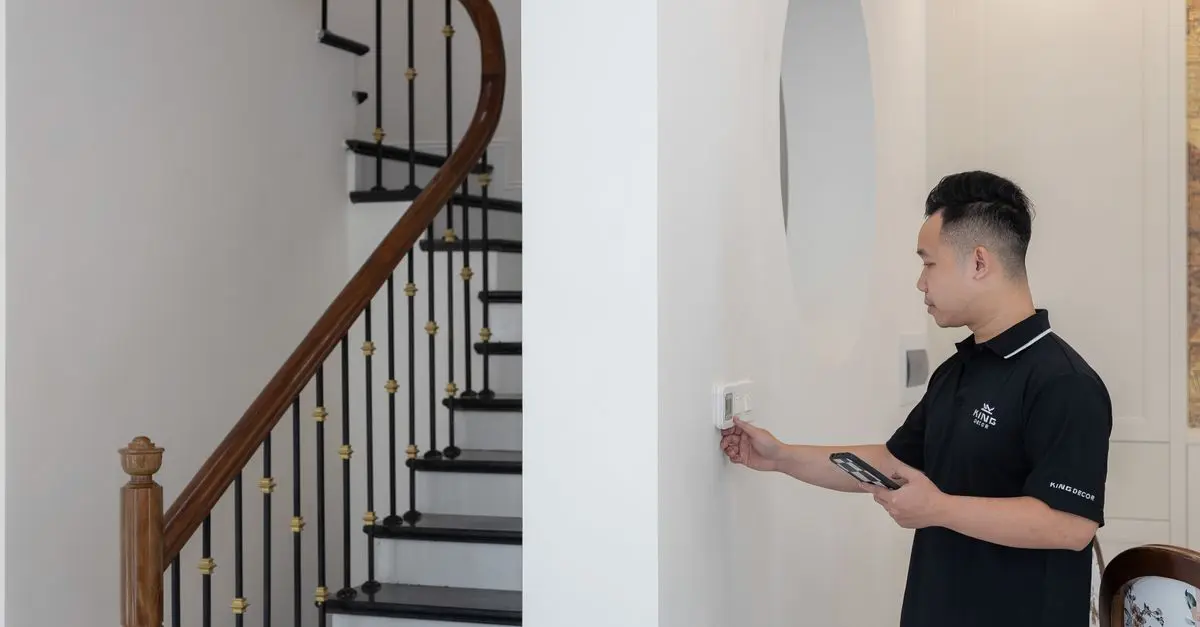
Once you’ve selected a system, consider how you want to install it. DIY systems can be set up following the included instructions, making them appealing for homeowners looking to save money. Professional installation is often offered with high-end systems, ensuring proper setup and maximizing your system's capabilities. If you are not technically inclined, opting for a professional might be the best choice.
Before installation, read reviews and look for posts by users who have installed the same system. They can provide insights into potential challenges or tips on the best setup locations for cameras and sensors, which can greatly enhance effectiveness.
6. Maintenance and Updates
Investing in a smart security system does not end with installation. Regular updates are crucial for ensuring the continued effectiveness of your system against new threats. Most modern systems receive firmware updates, improving functionality and security over time.
Schedule routine checks to ensure all components are functioning correctly. Change batteries in wireless systems, clean camera lenses, and monitor for software updates through the app regularly. Be proactive to keep your security system at its best — after all, the goal is to protect your home.
7. User Reviews and Community Feedback
Finally, one of the most reliable ways to assess a security system's performance is through user feedback. Websites like UFC-Que Choisir and Les Numériques provide thorough reviews and comparisons. Additionally, user forums can give you direct insight into real-world experiences, helping you anticipate issues like false alarms, app performance, or reliability during power outages.
Implementing these insights can help you avoid common pitfalls, making your transition to a smart security system smoother. Trust the experiences of other users and don’t hesitate to ask about their insights during your shopping journey.
📺 Resource Video
> 📺 To dive deeper: Learn how to install a home security system step-by-step. Search on YouTube: smart security system installation guide 2026.
Checklist before Purchase
- [ ] Assess entry points.
- [ ] Define your budget.
- [ ] Determine feature priorities.
- [ ] Read product reviews.
- [ ] Plan for maintenance.
Glossary
| Term | Definition |
|---|---|
| Smart Security System | A network of devices designed to monitor and protect a home while offering remote access and alerts. |
| DIY Installation | A setup method where the user personally installs the system without professional assistance. |
| Mobile App Integration | The capability of a security system to be controlled via a smartphone application. |
> 🧠 Quick Quiz: What is the primary benefit of a smart security system?
> - A) Low Cost
> - B) Increased Security
> - C) DIY Installation
> Answer: B — Increased Security: Smart security systems greatly enhance a home's protective measures.