Table of Contents (15 sections)
Creating an effective home office requires more than just a desk and a comfortable chair. In recent years, as remote work has become more prevalent, the array of gadgets available to enhance productivity has expanded significantly. From ergonomic devices that protect your health to smart technology that streamlines your workflow, finding the right home office gadgets can greatly influence your efficiency and well-being while working from home. In this article, we'll list the essential home office gadgets that can transform your workspace into a productive haven.
1. Ergonomic Chair
An ergonomic chair is a cornerstone of any productive home office. Spending hours seated can lead to discomfort and long-term health issues. According to studies, proper seating can reduce fatigue and improve focus. Look for chairs that are adjustable, with lumbar support, a comfortable seat cushion, and ideally, a breathable material. Brands like Herman Miller and Steelcase offer options that cater to different body types and preferences. Investing in an ergonomic chair is not just about comfort; it directly impacts your productivity levels.
2. Standing Desk
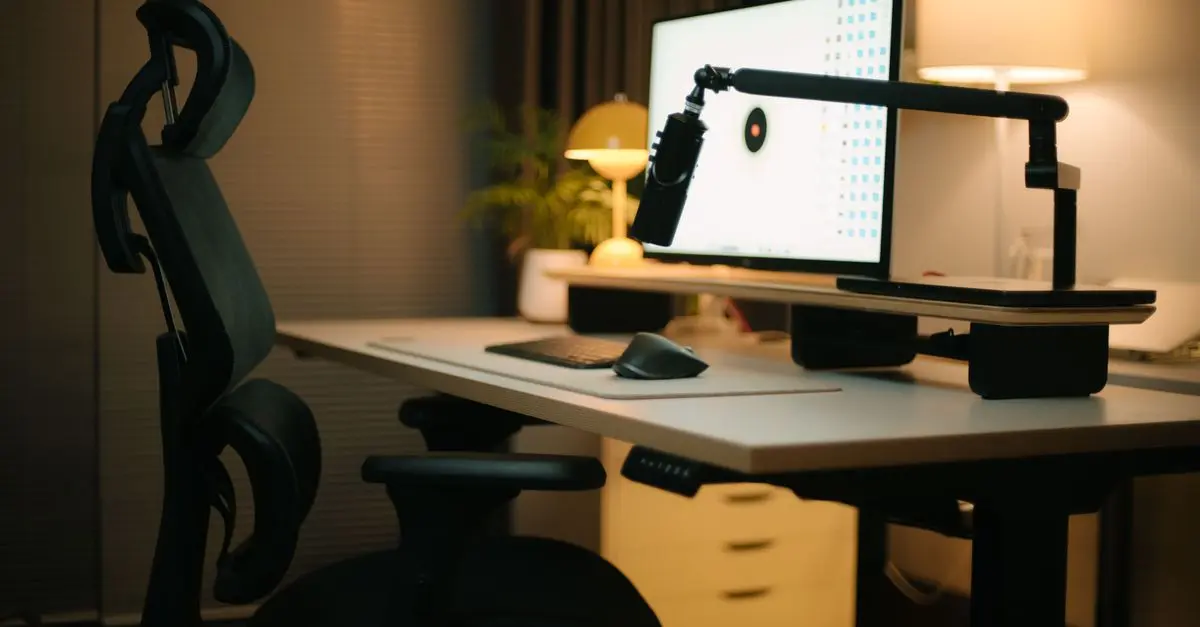
Alongside an ergonomic chair, a height-adjustable standing desk allows you to alternate between sitting and standing throughout your day. The American Journal of Public Health points out that standing while working can improve mood and energy levels. Many modern desks come with electronic adjustments for ease of use, helping you find the perfect height quickly. Not only does it enhance posture, but a standing desk can also promote better circulation. Look for desks with sturdy frames, ease of adjustment, and sufficient surface area to hold your work essentials.
3. Monitor Stand
Using a monitor stand can prevent neck strain by keeping your screen at eye level. A good monitor stand also frees up valuable desk space for other work essentials. Many models are adjustable, allowing you to optimize your setup based on your preferences or work requirements. If you work with multiple screens, consider acquiring a multi-monitor stand. This solution can allow for a more organized and efficient workspace, streamlining your workflow and enhancing your multi-tasking capabilities.
4. Wireless Charging Station
In today’s digital workspace, keeping devices charged without the clutter of cords can be a challenge. A wireless charging station can simplify this. Many allow you to charge your smartphone, smartwatch, and wireless earbuds simultaneously, keeping your desk organized and tidy. Look for charging pads that support multiple devices and fast charging capabilities. This technology not only reduces cable clutter but also integrates seamlessly with your modern workspace aesthetics.
5. Noise-Canceling Headphones
For those easily distracted by household noises, noise-canceling headphones can be a lifesaver. Brands like Bose and Sony have excellent models that offer superior sound quality while effectively blocking background noise. Using such headphones can help you maintain focus during important video calls or while working on complex tasks. Research shows that background noise detracts from concentration, so investing in quality headphones can not only improve your auditory experience but also boost your productivity.
6. Desk Organizer
A clean and organized workspace promotes efficiency and focus. Desk organizers help keep essential documents, pens, and other items readily accessible. They come in various designs — from sleek wooden trays to modern plastic compartments. Ensure your organizer has adequate sections for different items and features a design that complements your aesthetic. This small change can significantly enhance your work rhythm and decrease the time you spend searching for frequently used tools or notes.
7. Smart Assistant
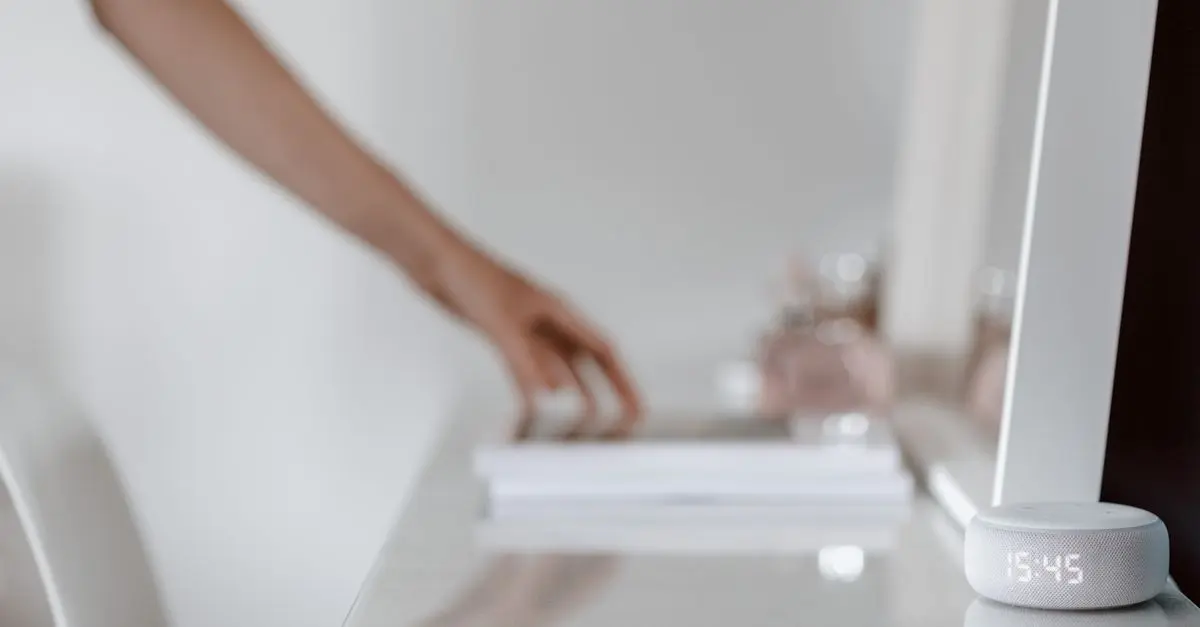
A smart assistant device, like Amazon Echo or Google Nest, can perform multiple tasks that ease your workflow. From setting reminders and scheduling meetings to answering questions with voice commands, a smart assistant acts as an efficient virtual helper. These devices can integrate with many other smart gadgets in your office, providing a seamless tech ecosystem that makes completing tasks faster and easier.
8. Good Lighting
Proper lighting is often underestimated but crucial for maintaining high energy and productivity levels. Adjustable desk lamps with integrated LED lights provide excellent illumination for late-night work sessions and can help reduce eye strain. Look for models that offer different brightness levels and color temperatures. Natural light is ideal, but when that isn't available, having a quality lamp that mimics daylight can keep your workspace bright and inviting, boosting your mood and focus.
📺 Resource Video
> 📺 For further exploration: [Essential Gadgets for Home Offices], a comprehensive analysis of the best gadgets for boosting productivity. Search on YouTube: 'best home office gadgets for productivity 2026'.
Comparison Table of Gadget Features
| Gadget | Price Range | Key Features | Verdict |
|---|---|---|---|
| Ergonomic Chair | $150 - $1000 | Adjustable height, lumbar support | Essential |
| Standing Desk | $200 - $800 | Height adjustable, spacious surface | Highly Recommended |
| Monitor Stand | $25 - $150 | Adjustable height, multi-monitor | Useful |
| Wireless Charger | $20 - $100 | Multi-device support, fast charging | Convenient |
| Noise-Canceling Headphones | $150 - $400 | Excellent sound, strong cancellation | Necessary |
| Desk Organizer | $10 - $50 | Various compartments, aesthetic design | Helpful |
| Smart Assistant | $50 - $300 | Voice-activated, integration | Innovative |
| Good Lighting | $30 - $200 | Adjustable brightness, energy-saving | Important |
- What are the best home office gadgets for productivity?
The best gadgets include ergonomic chairs, standing desks, monitor stands, and noise-canceling headphones, as they promote comfort and efficiency.
- How can I improve my home office setup?
Incorporate ergonomic furniture, efficient lighting, and organizational tools to create a more productive and comfortable workspace.
- Are standing desks worth it?
Yes, standing desks have been shown to reduce back pain and increase energy levels, significantly enhancing productivity.
- What types of lighting are best for home offices?
Adjustable LED lamps that provide bright light similar to natural daylight are ideal for maintaining focus and reducing eye strain.
Glossary
| Term | Definition |
|---|---|
| Ergonomics | The study of people's efficiency in their working environment to minimize discomfort and improve productivity. |
| Wireless Charging | Technology that enables devices to charge without direct cable connections, enhancing convenience. |
| Noise-Canceling | A technology that reduces unwanted ambient sounds through active noise control, improving focus. |
Checklist before purchase
- [ ] Evaluate ergonomic features of furniture
- [ ] Consider height adjustments for desks
- [ ] Check for multi-device support on chargers
- [ ] Assess sound quality before buying headphones
- [ ] Measure available space for desk organizers
Conclusion
In conclusion, equipping your home office with the right gadgets can significantly enhance your productivity and work experience. By investing in ergonomic furniture, efficient organization tools, and technology that adapts to your needs, you can create a workspace that not only feels pleasant but also promotes efficiency. Don’t forget to always choose gadgets that suit your personal working style and preferences. Embrace these technologies in your home office and watch how they elevate your work-from-home journey!