Table of Contents (12 sections)
Maintaining home gadgets is crucial for ensuring their longevity and optimal performance. With the rapid advancement of technology, gadgets like smart speakers, appliances, and entertainment systems have become essential parts of our lives. By taking proactive steps to care for these devices, you can avoid costly repairs and replacements. Here, we outline seven effective tips for maintaining your home gadgets, from cleaning routines to software updates.
1. Regular Cleaning: Keep It Dust-Free
Keeping your gadgets clean is one of the simplest yet most effective ways to maintain them. Dust and debris can accumulate in vents, screens, and keyboards, leading to overheating or malfunction. For electronics like laptops and gaming consoles, use a microfiber cloth to dust off surfaces — avoid harsh chemicals that could damage sensitive components.
Additionally, consider vacuuming around devices to remove dust from surrounding areas. According to UFC-Que Choisir, regular cleaning can extend the lifespan of your devices by up to 30%. Schedule a routine cleaning every month to keep everything in top shape.
2. Software Updates: Stay Current
Neglecting software updates can make your gadgets vulnerable to bugs and security threats. Most gadgets receive regular updates from their manufacturers, which can improve functionality and performance. Ensure your devices are set to automatically update or check for updates manually every few weeks.
Performing updates not only addresses security vulnerabilities but also often enhances performance and adds new features. This is particularly important for smart home devices, where outdated software can lead to connectivity issues. Make updating your gadgets a regular part of their maintenance to keep them secure and efficient.
3. Monitor Temperature: Avoid Overheating
Extreme temperatures can severely affect your gadgets. For instance, computers and home theaters can overheat if they are not adequately ventilated or are placed in direct sunlight. Ensure that your gadgets have proper airflow around them — avoid placing them in enclosed spaces, which can trap heat.
According to a report from Les Numériques, devices that operate in temperatures above 85°F (29°C) can experience substantial performance degradation. Investing in small fans or cooling pads for laptops can also be beneficial. Keep your devices in cool, dry areas to maintain their operational integrity.
4. Power Management: Use Surge Protectors
Electrical surges can cause irreparable damage to your electronics. Using quality surge protectors can safeguard against fluctuations in power supply. It’s wise to invest in high-rated surge protectors, especially for high-value items like televisions and computers.
Also, unplug devices during thunderstorms or when they are not in use to prevent potential damage. A survey conducted by UFC-Que Choisir indicates that using surge protectors can reduce the risk of device failure by nearly 25%. Protect your investments and ensure they last longer.
5. Battery Maintenance: Charge Wisely
For gadgets powered by batteries, such as remotes and smart devices, battery maintenance is crucial. Avoid letting batteries drain completely — it’s better to keep them charged between 20% and 80%. This practice can significantly enhance battery lifespan.
Additionally, if you plan to store devices for an extended period, remove their batteries to prevent leaks. Following these steps allows you to maintain peak functionality in your gadgets, ensuring they are ready when you need them.
6. Optimal Placement: Think About Location
Where you place your gadgets can significantly affect their performance. For example, your Wi-Fi router should be positioned in a central location, away from walls and obstructions, to ensure maximum range and speed.
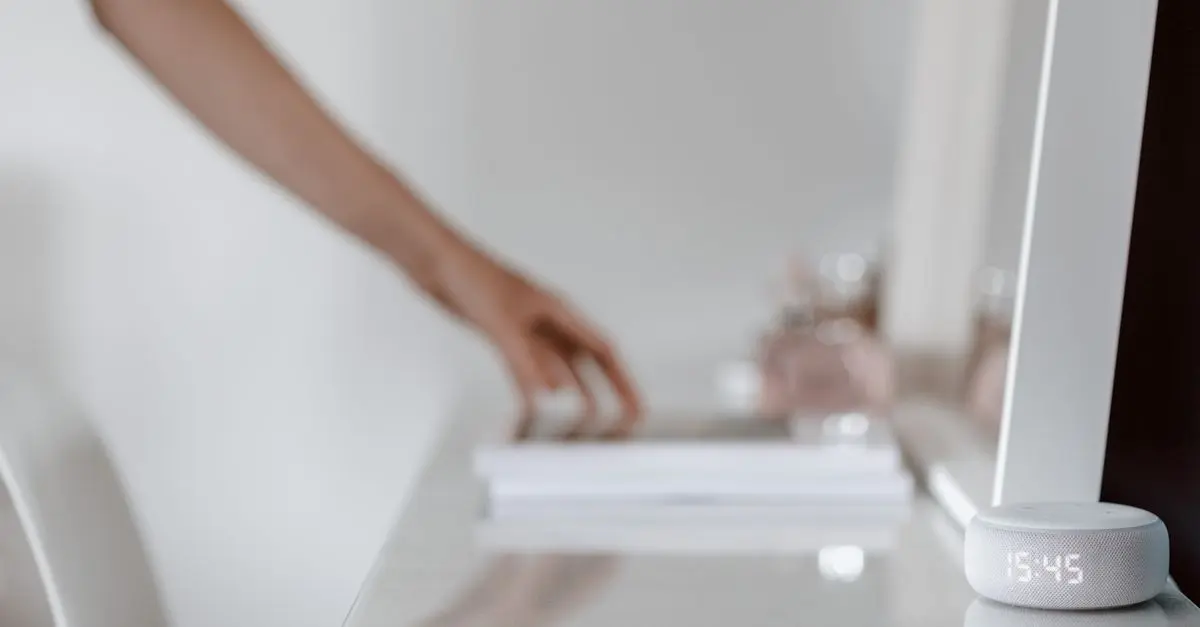
Smart speakers should not be placed near large electronic devices as interference can negatively impact their performance. An optimal position can enhance connectivity and user experience, ensuring your gadgets work efficiently. A well-thought-out layout will decrease frustration and enhance overall satisfaction.
7. Read the Manual: Know Your Gadget
It may be tempting to discard user manuals, but they often contain essential information about maintenance and usage. Make it a habit to familiarize yourself with what your devices can and cannot handle.
For instance, certain appliances may need specific cleaning products or techniques. By understanding your devices' requirements, you can avert potential damage caused by misuse. Manuals are also great resources for troubleshooting issues effectively.
📺 Resource Video
> 📺 For further insights: Check out our video on home gadget maintenance tips, which provides a deep dive into caring for your tech. Search on YouTube: "home gadget maintenance tips".
Checklist before purchase
- [ ] Verify compatibility of your devices.
- [ ] Check warranty and service options.
- [ ] Assess power requirement needs.
- [ ] Read user reviews and expert opinions.
- [ ] Ensure you have necessary cleaning supplies.
Glossary
| Term | Definition |
|---|---|
| Surge Protector | A device that protects electronics from voltage spikes. |
| Firmware | The software programmed into the gadget's hardware. |
| Optimal Placement | The best location for a device to function efficiently. |
Conclusion
Maintaining home gadgets is not just about fixing issues as they arise; it’s about creating a proactive approach that ensures their efficacy and longevity. By implementing these seven tips, you will not only enhance the performance of your gadgets but also alleviate the stress of unexpected breakdowns. Make maintenance a routine and enjoy the convenience technology offers.
> 🧠 Quick Quiz: What is the best range for battery maintenance?
> - A) 0% - 25%
> - B) 20% - 80%
> - C) 100%
> Answer: B — Keeping your battery charged between 20% and 80% can extend its lifespan.